


Home > Support Center >
About Presentation Assistant's Presentation File |
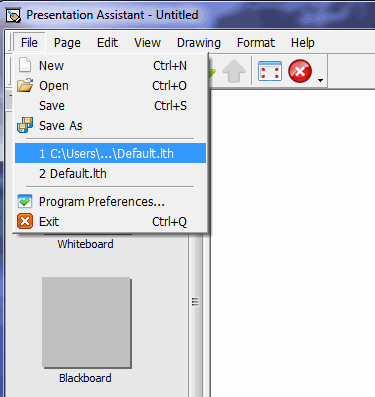
| Presentation Assistant save the contents of electronic whiteboards into a presentation file. Each time when Presentation Assistant starts, it always opens the default presentation file. You can select menu File to create a new presentation file or open another presentation file. |
 |


